Login sem senha
Access with no password at all. Users sign in with a 5-digit code sent by e-mail — nothing to leak, nothing to reset.
Create groups, add members and share authentications directly through iDLOCK,
with no external sharing, no manual copying, and full control inside the app.
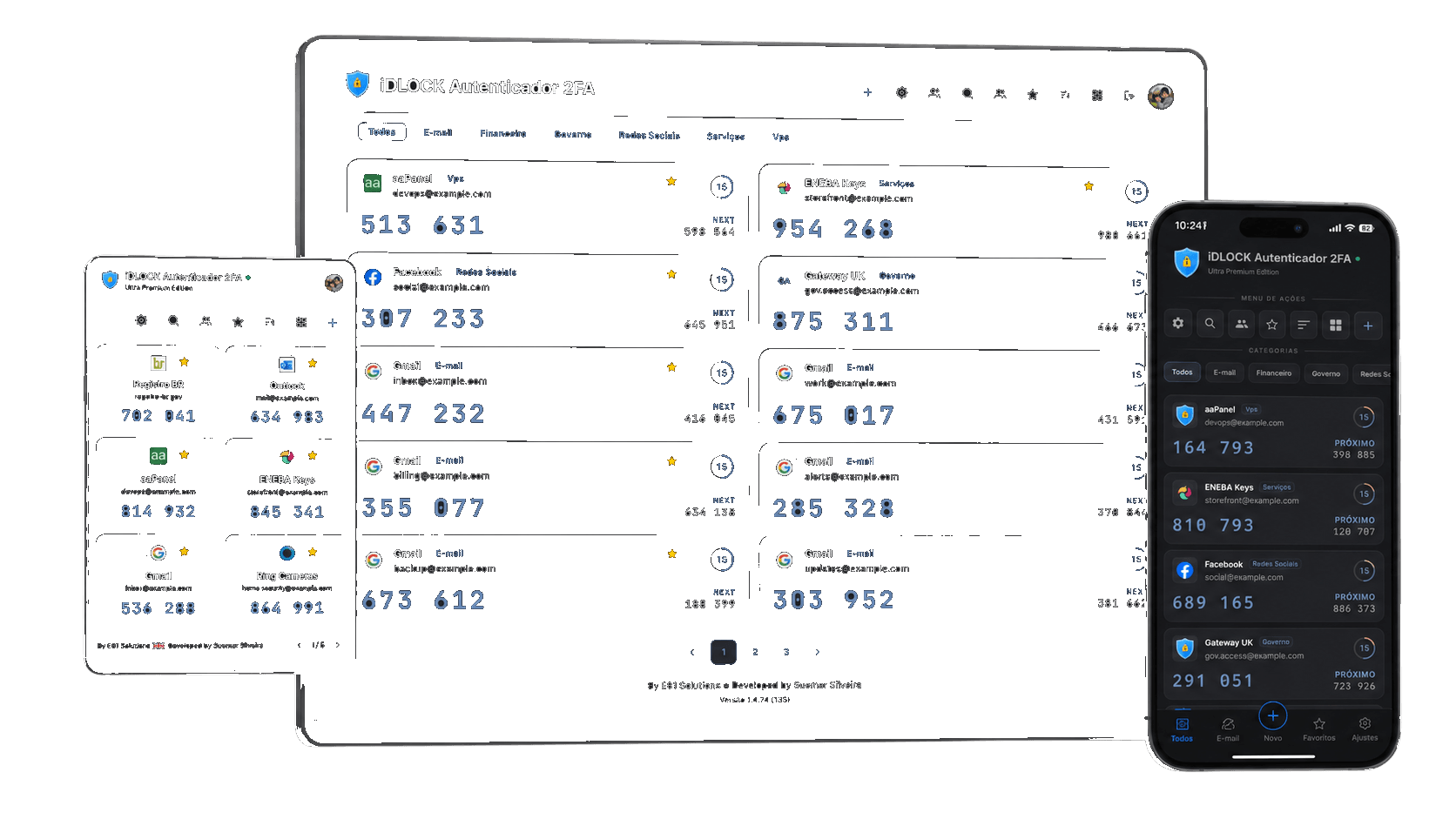
One account. All your devices. No barriers.
After the first access, you decide how you want to keep signing in, always securely.
Click sign in, enter your e-mail and type the code we send you.
Import your TOTP codes from your previous app or add them with the scanner.
Create teams, define permissions and send invites, with no screenshots and full security.
It is not just a code generator. It is an ecosystem for authentication, productivity and access governance.
Access with no password at all. Users sign in with a 5-digit code sent by e-mail — nothing to leak, nothing to reset.
The same vault works on mobile, dashboard and browser extension to speed up login on critical services.
TOTP secrets protected with encryption and controlled recovery, not loose files or screenshots.
Share 2FA codes by team, with governance for operations, support, marketing and finance.
Interface optimized to read, copy and use TOTP codes clearly on desktop and mobile.
Notifications and history help understand access, changes and important account activity.
Because iDLOCK is cloud-native, the app, site and extension stay ready without wasting time on manual sync.
Adapt the app to your workflow, from visuals to access organization, with freedom to work your way and 26 native languages.
iDLOCK 2FA Authenticator is a multi-platform 2FA (two-factor) authenticator that stores and generates TOTP codes to protect your online accounts. Unlike other authenticators, your codes stay synced across browser, mobile and web panel — all encrypted with AES-256.
It generates the two-step verification codes (2FA) that sites like Google, GitHub, Instagram and banks require when logging in. With iDLOCK, you don't depend on a single phone — access your codes from any device, at any time.
Two-factor authentication (2FA) adds a second security layer beyond the password. Even if someone discovers your password, they won't be able to access your account without the temporary code — which changes every 30 seconds and expires immediately after use.
Yes. We use AES-256-CBC encryption for your secret keys, HTTPS communication, protection against major OWASP attacks, and automatic internal notification on every login. We do not store user passwords, access is handled through código por e-mail.
Understand why a multi-platform solution is more reliable.
| Scenario | Google Authenticator | iDLOCK 2FA Authenticator |
|---|---|---|
| Lost device | Depends on prior backup | Access from any device |
| Dead battery | No temporary access | Use the Chrome extension or web panel |
| Corporate environment without phone | Requires mobile device | Chrome extension directly on computer |
| Device switch | Manual and laborious process | Automatic login and sync |
| Data encryption | Local storage in app | AES-256 on server |
| Access notification | Not available | Internal notification on every access |
| Encrypted backup | Limited export | .idlock-backup file with your key |
Fast and secure with Google or a passkey.
On the phone where you are already signed in to iDLOCK, tap the QR reader (or point the system camera at the code) and approve.
By continuing, you agree to our Privacy Policy